AI Audio Editor
Precise Section Replacement & Audio Remastering
Take control over your track by replacing specific lyric sections, customizing styles or completely remastering your audio. Designed for effortless audio editing, Tad AI music editor gives you the precision to alter composition and experiment with new possibilities.
Replace Targeted Audio Section
Highlight any section of your uploaded audio, type in your new lyrics, and let our AI audio editor rewrite your track. We seamlessly blend your changes into the original style and timing so you never have to re-record a full take.
Try AI Audio Editor Online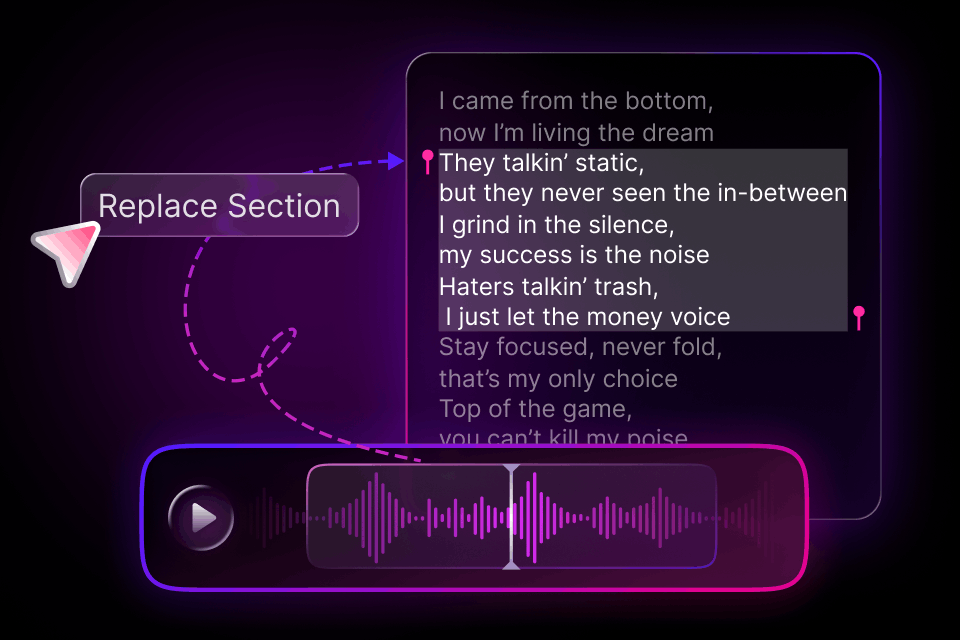
Customizable Full-Track Remastering
Give your whole audio a professional refresh with adjustable variation levels. Tad AI sound editor lets you fine-tune how subtle or dramatic your remaster sounds, giving you total control to polish your mix or overhaul your song.
Try Audio Editing Now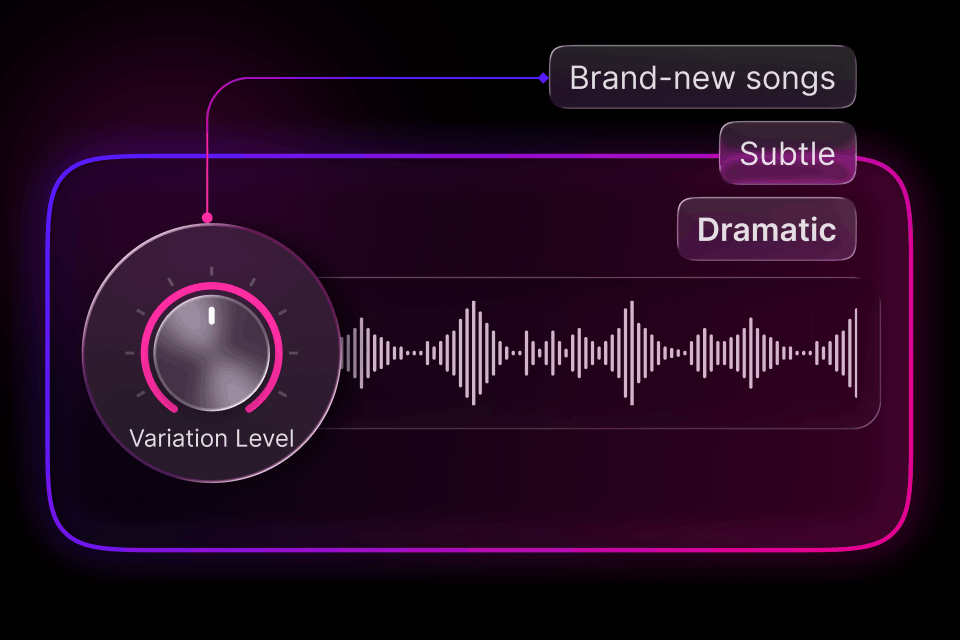
Consistent Voice & Tone Matching
Maintain flawless audio continuity every time you make an audio editing. Our advanced engine automatically matches vocal timbre, pitch, and emotion so your newly generated lyrics blend naturally with the surrounding performance.
Try AI Music Editor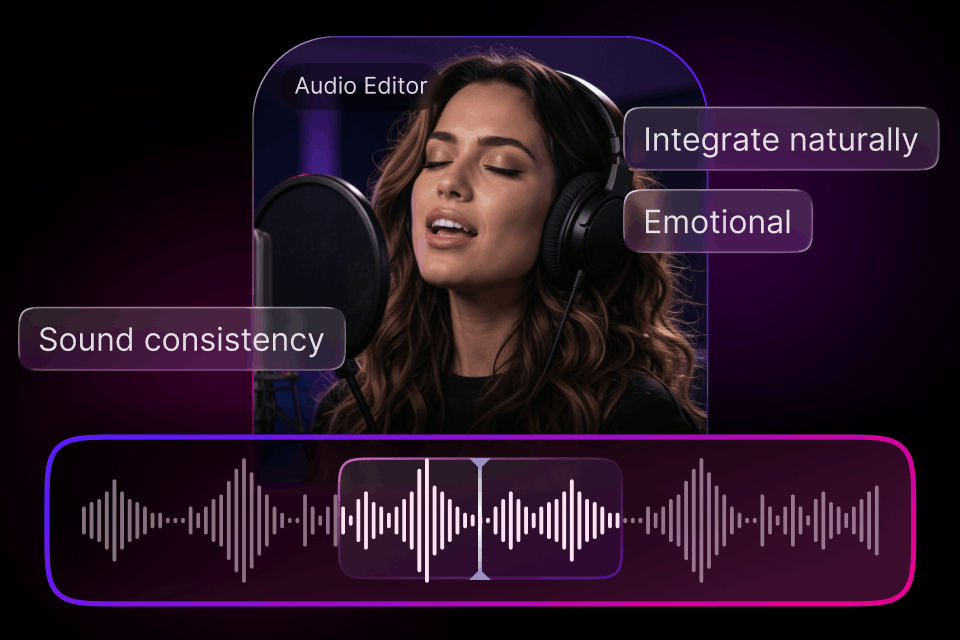
Built for Creators Across the Industry
Designed for flexibility, our AI audio editor simplifies complex audio editing and voice matching for audio creators at every skill level.
Songwriters
Test alternative lyric ideas and musical styles on your existing demos without scheduling extra studio time or re-recording vocals.

Content Creators
Adapt your signature soundtrack, intro music and background audio to fit distinct content themes, platforms and project moods instantly.

Music Producers
Generate unique track variations, tweak client compositions easily and remaster finished audio with precise control over every detail.
How to Use Tad AI Audio Editor
Upload your targeted vocal track or complete song into our sound editor or paste a valid audio link.
Highlight the section you want to replace with new lyrics and style, or choose full-track remastering and tweak variation levels.
Listen to your seamless edit after generation and download studio-grade audio with a single click.
What Our Creators Are Saying

Marcus Davis
Song Producer

Chloe Wilson
YouTube Content Creator

Daniel Smith
Podcast Host

Betty Williams
Indie Vocalist
Explore More Tools from Tad AI
FAQs
Can AI assist in remixing or editing music tracks?
Sure. Tools like Tad AI can assist in remixing and editing music tracks by effortlessly handling tasks like extension, section replacement and remastering.
How does the replace section feature work?
Select the specific portion of the audio you want to change, type in your new lyric and Tad AI music editor generates replacement vocals that automatically match the rhythm and melody of your original track.
What does the variation level setting do in remaster mode?
The variation level controls how much your original track changes. Low levels deliver subtle mix polishing while high levels introduce broader stylistic shifts and musical adjustments.
Can I change the genre of my song without re-recording?
Yes. Our style customization feature allows you to rearrange and transform your track into new genres seamlessly while preserving the original melody and core vocal line.
What audio file formats can I upload and export?
Tad AI supports MP3, WAV, OGG, M4A, FLAC and AAC files for upload. Once edited, you can download your audio in high-resolution WAV or optimized MP3 format.
Do I own the rights to the audio generated by your sound editor?
If you are a paid user, you can download an official commercial license from Tad AI and monetize any edited or remastered audio on social media platforms conveniently.
How long can my uploaded audio be?
Standard files up to 8 minutes long are supported, making our AI audio editor ideal for full songs, voiceover tracks, intros, and short podcast segments.
Do I need audio engineering experience to use your music editor?
Not at all. Tad AI audio editor is designed with a simple operating system and automated processing, making complex audio editing tasks quick and accessible for everyone.
Try Smart Audio Editing with Tad AI Now
Experience precise section replacement, effortless style shifts and studio-grade audio remastering today—no technical skills required.
Try AI Music Editor