
AI Stem Splitter
AI Stem Splitter Built for Professional
Upload an audio file or paste a link to instantly isolate distinct stems like vocals, bass, drums and synths. Our advanced AI splitter accurately separates all detected stems, giving you complete control to remix or sample individual elements from any audio source.
Automatically Detect Multiple Stems
Tad AI stem splitter scans your audio to identify and isolate every distinct stem without any manual edit. Whether your audio features complex vocals, bass effect, rhythmic drums, or melodic synths, our tool seamlessly separates them into individual tracks.
Try Stem Separator Now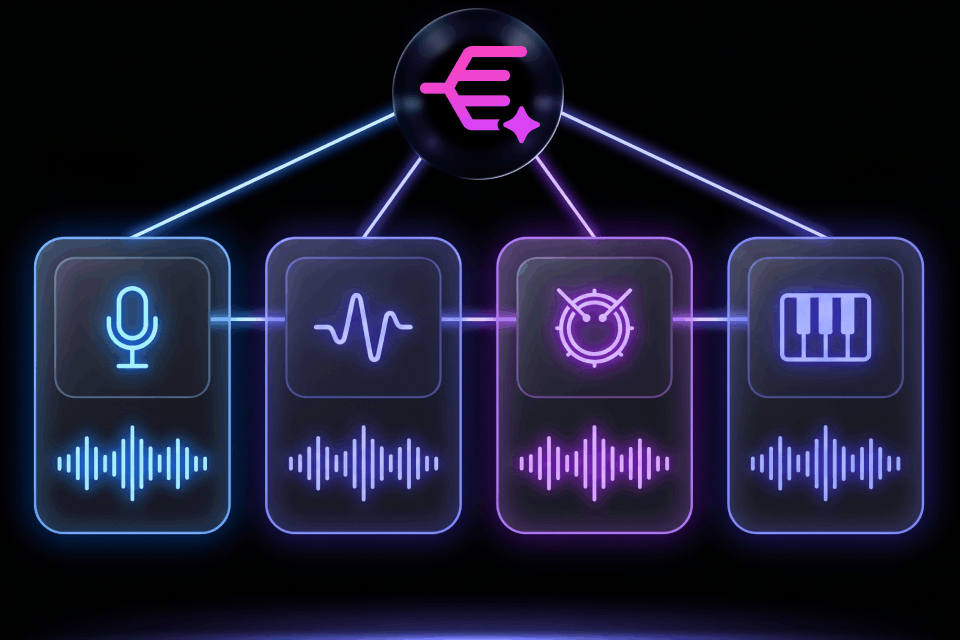
Stem Separation From Different Sources
Enjoy flexibility by extracting high-quality audio from a wide variety of inputs. You can easily upload local files from your device, or simply paste a web link to effortlessly grab and separate stems from online media platforms.
Try Stem Splitter Instantly
Export Published-Ready Stems
Download your isolated tracks in lossless format like WAV or ZIP files. The extracted stems maintain their original fidelity, ensuring they are perfectly primed for immediate mixing or sampling in your next project.
Try Stem Extractor Now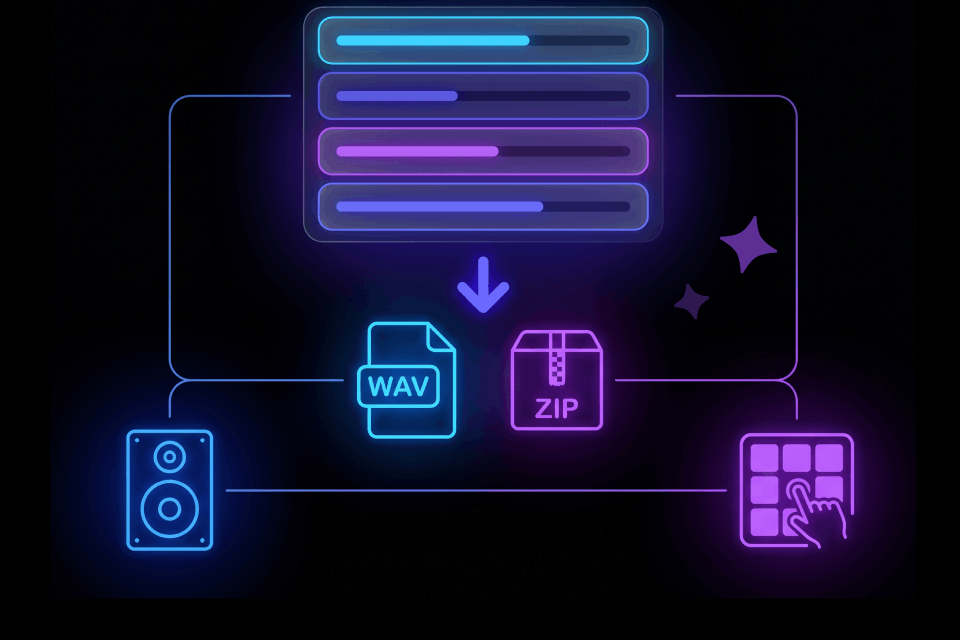
Who Is Stem Splitter For?
Music Producers
Isolate specific stems from existing audio to sample or integrate into new compositions. Our audio splitter AI provides the clean stem separation required to elevate your professional studio workflow.

Vocalists
Remove the original singing from any audio to create high-quality instrumental backing tracks. Tad AI splitter makes it incredibly easy to practice your pitch, record song covers, or host a karaoke session.

Video Editors
Clean up audio by isolating vocals from unwanted background music or ambient noise. You can also extract specific musical elements to seamlessly enhance the audio design of your visual projects.

How to Use Stem Splitter AI?
Upload an audio directly or paste an effective link.
Choose a separation mode and start to isolate your audio.
Download the separated stems as high-quality files.
Hear Voices from Our Users

Jane Smith
Music Producer

Mike Johnson
Podcast Editor

Elena Williams
Singer

Tom Brown
Sound Designer
Explore More Tools from Tad AI
FAQs
What types of audio sources can I use with this stem splitter AI?
You can easily upload standard audio files directly from your computer or mobile device. Alternatively, you can paste a web link to extract audio from online media. Our AI splitter processes both input methods with the same high quality.
Which specific stems can the tool isolate from my audio?
Tad AI automatically detects and separates multiple stems from your audio file. You can consistently isolate elements like vocals, bass, drums and melodic synths. It effortlessly handles complex mixes to give you individual tracks.
What audio file formats are supported for upload?
We support all major audio formats, including MP3 and M4A. Whether you are uploading a highly compressed draft or a lossless studio master, our stem separator will seamlessly process your file for optimal stem separation.
Are there any audio file size limits?
The maximum file size per song is 10MB. Please note that larger audio files will take longer time for the system to process.
Can I preview the separated stems before downloading?
Absolutely. Our platform features a built-in audio player. Once the separation is complete, you can instantly listen to each individual stem directly in your browser to verify the results before you export them locally.
Does your AI stem splitter work well with live recordings?
Our advanced stem extractor is capable of handling varying audio environments, including live performances or recordings with ambient noise. It effectively isolates the core instruments and vocals, allowing you to salvage and remix audio from non-studio settings.
How accurate is AI stem separation?
The quality of AI stem separation depends on the model behind it and your source audio. Tad AI stem splitter preserves clarity and makes the extracted stems more usable right away. Higher-quality uploads and a right processing setting will help you get better results.
Is your AI stem splitter free to use?
We offer a free tier for you to explore the tools and features in Tad AI with limited credits. However, you can gain commercial rights and get access to advanced features when you upgrade to paid plans.
Can I download the stems that I have separated?
Yes, all of the stems that you have separated with our AI stem splitter can be exported and saved to your device for immediate uses.
Will your stem splitter work on low quality recordings?
Sure. While the overall output quality always depends on your original source audio, Tad AI stem splitter is optimized to handle noisy, compressed or low quality files.
Try Stem Splitter AI and Get Professional Results!
Use Tad AI stem splitter for yourself. Upload a file right now to instantly extract high-quality, professional-ready stems for your next creative project.
Experience Stem Separation