
Canva
Canva AI music generator is a built-in design tool that lets you instantly create soundtracks for videos, social media posts and educational materials. By simply choosing your desired mood, genre and duration, you can generate a custom song in seconds.
Mood and Duration Controls
You can easily tailor your soundtrack by selecting specific mood tags—like Pop, Rock or Jazz—and setting an exact track length up to 5 minutes. This allows you to create a custom track that naturally fits the exact timing and tone of your content.
Try AI Music Generation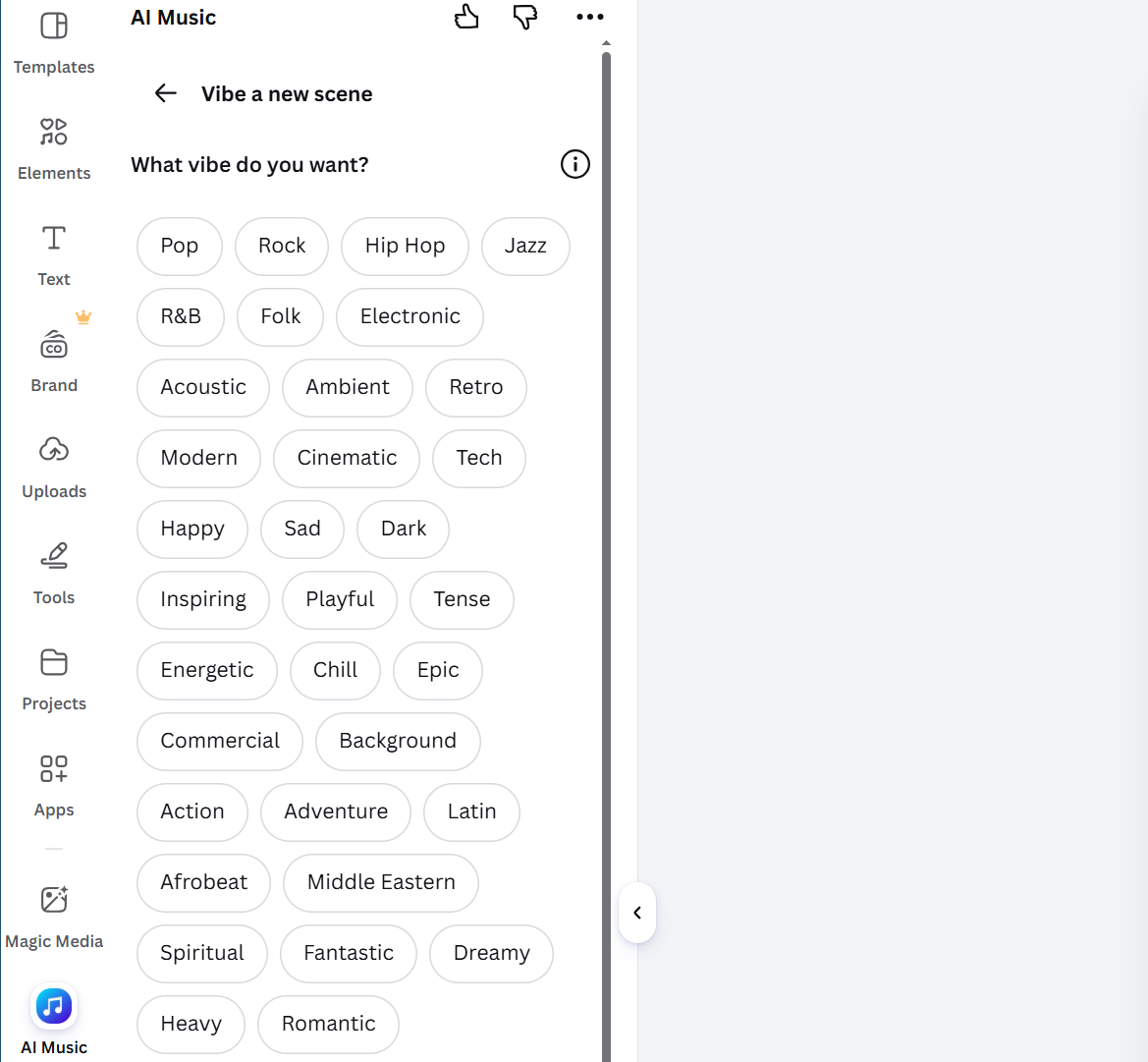
Fine-Tune with Custom Parameters
Before a track is generated, you can tweak custom parameters like tempo, intensity and rhythm. Whether you need a subtle background tone or a high-energy beat, adjusting these settings lets you precisely tailor the sound.
Try AI Music Generation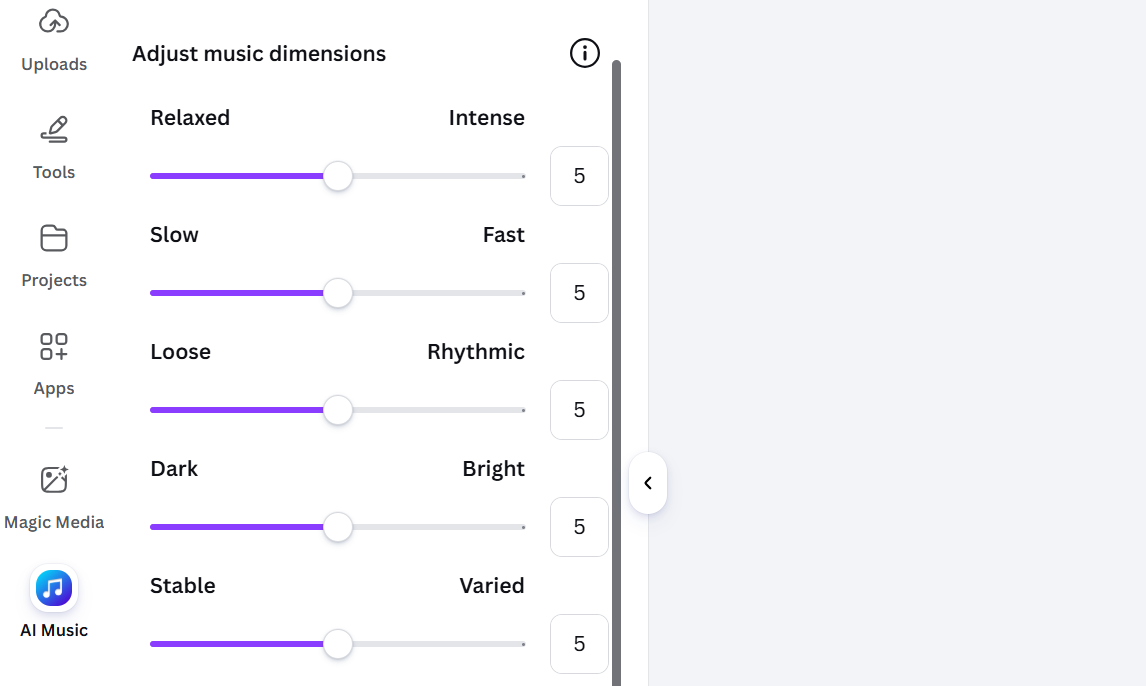
Direct In-Editor Visual Scoring
Because the AI music generator works inside Canva’s editor, you can apply your custom audio to videos or presentations without app-switching. Everything stays in one workspace, allowing you to sync your visuals directly to your custom track.
Try AI Music Generation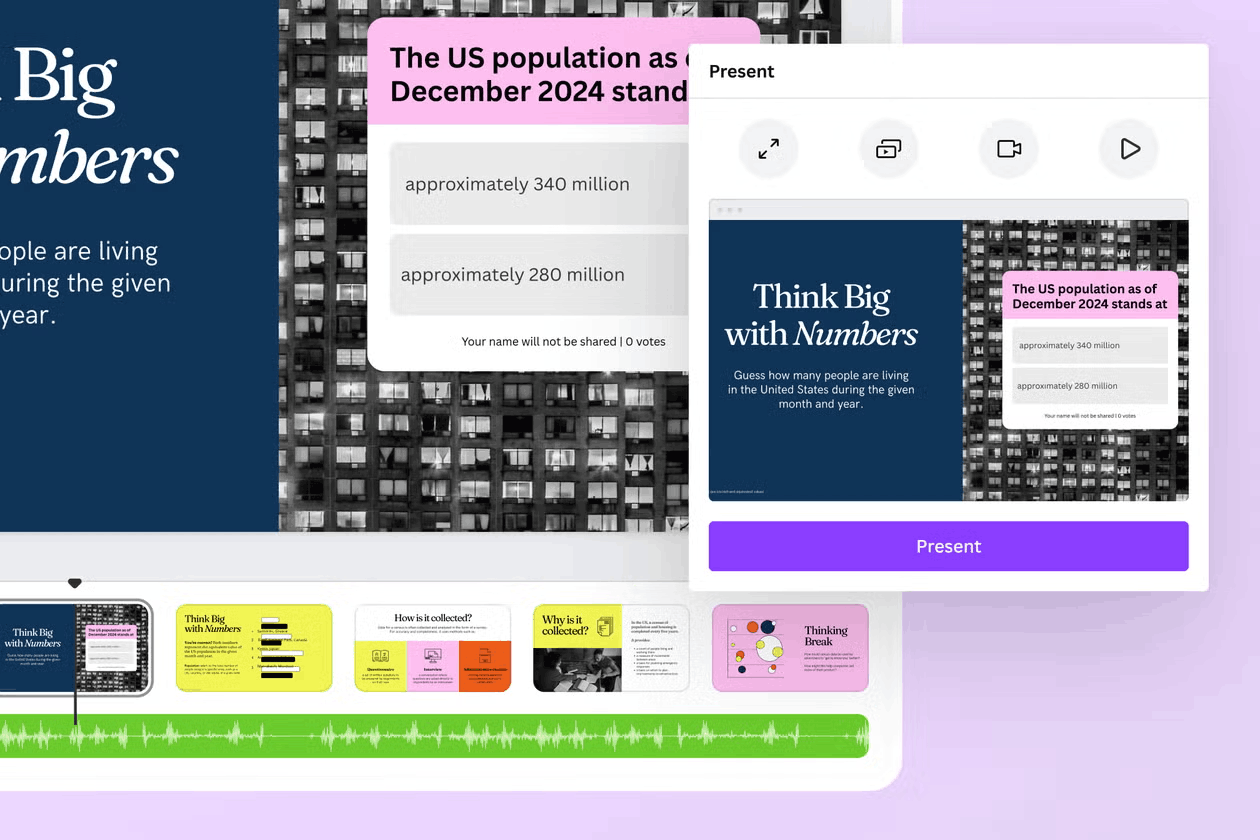
How to Use Canva AI Music Generator?
Generate AI Music
Select your desired mood tags for your music. Then set the song duration.
Customize Song Parameters
Refine your AI song by adjusting parameters like intensity, tempo, rhythm, etc.
Download or Share
Download your project as a high-fidelity media file or share it via social media channels.

FAQs
Is the Canva AI music generator free to use?
Yes, it is available for free, giving you 900 monthly tokens to generate up to 10 soundtracks per day on the basic plan. If you need expanded commercial rights or higher daily generation limits, you can upgrade to a paid Canva plan.
Can I use the generated AI music for commercial projects?
Yes, but the scope depends on your subscription tier. Free users can only use generated AI music for personal projects within Canva, whereas paid Pro, Business and Enterprise users can include tracks in commercial content.
What is the maximum duration for an AI song?
Canva AI music generator can produce custom audio up to 5 minutes in length. For longer videos or presentations, you can easily duplicate or loop tracks directly within Canva’s editor timeline.
Can I generate music in the style of a specific artist or copyrighted song?
No, Canva explicitly restricts prompts that try to replicate specific artists, copyrighted songs, or trademarked tracks to prevent infringement. Instead, you can customize your music by selecting generic mood tags, tempo, and intensity levels.
Can I download the raw AI audio track on its own?
No, Canva does not allow you to export or download raw, standalone audio files (such as MP3 or WAV) on any plan. The AI music is strictly designed to be exported as part of a complete multimedia project, such as an MP4 video or presentation file.
Want Direct Music Generation? Try Tad AI!
Tad AI allows you to create full-length tracks or instrumentals directly from text prompts and export high-quality audio files straight to your device for use in any production workflow.